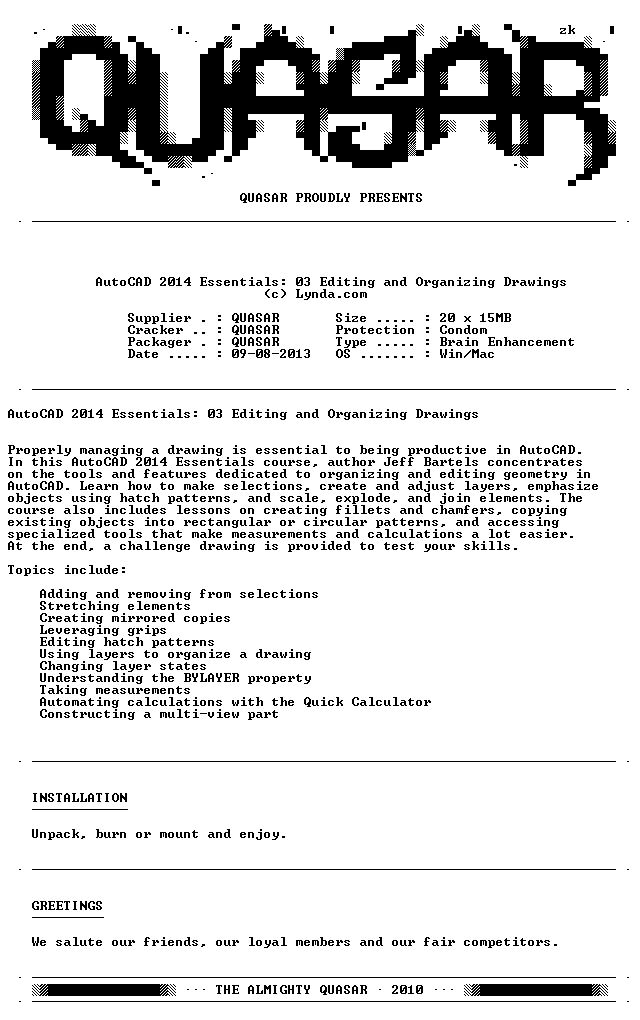
Properly managing a drawing is essential to being productive in AutoCAD. In this AutoCAD 2014 Essentials course, author Jeff Bartels concentrates on the tools and features dedicated to organizing and editing geometry in AutoCAD. Learn how to make selections, create and adjust layers, emphasize objects using hatch patterns, and scale, explode, and join elements. The course also includes lessons on creating fillets and chamfers, copying existing objects into rectangular or circular patterns, and accessing specialized tools that make measurements and calculations a lot easier. At the end, a challenge drawing is provided to test your skills.

- Adding and removing from selections
- Stretching elements
- Creating mirrored copies
- Leveraging grips
- Editing hatch patterns
- Using layers to organize a drawing
- Changing layer states
- Understanding the BYLAYER property
- Taking measurements
- Automating calculations with the Quick Calculator
- Constructing a multi-view part
Download uploaded
http://uploaded.net/file/3s0ci3aw/Lynda.com.AutoCAD.2014.Essentials.03.Editing.and.Organizing.Drawings-QUASAR.rar
Download filefactory
Download 城通网盘
http://www.400gb.com/file/29489182
Download 百度云
你是VIP 1个月(1 month)赞助会员,
转载请注明:0daytown » Lynda.com AutoCAD 2014 Essentials 03 Editing and Organizing Drawings-QUASAR | AutoCAD 2014编辑和规划工程图
与本文相关的文章
- Master LLM APIs with C# & .NET: Build AI Apps Using OpenAI
- Mobilewright with TypeScript & AI – Mobile Automation
- Become an AI Engineer: Python for JavaScript Developers
- Houdini Explosion and Destruction: Introduction Course
- Unity 2D Game Development: Build a Cannon Shooter
- Python DSA: Sorting, Searching & Bit Manipulation
- Unreal Engine 5 2D Masterclass: Build 5 Complete Games
- Blender Essentials: Camera Basics
- Realistic Dragon in ZBrush: Sculpting and Textures with AI
- CUDA for Engineers: Accelerating Deep Learning PyTorch 2026
- Claude Code & Claude 5 AI: Prompt Engineering Masterclass
- The Complete Machine Learning & Deep Learning Bootcamp
您必须 登录 才能发表评论!