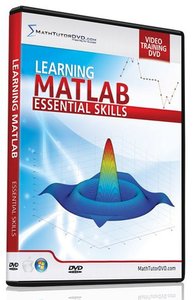
Learning Matlab – Essential Skills
English | .MP4 | aac, 22050 Hz, stereo | h264, yuv420p, 1200×800, 15.00 fps(r) | 793MBGenre: E-learning
The lessons begin with becoming familiar with the user interface
and understanding how to interact with Matlab. You’ll then learn
about variables, functions, and how to perform basic calculations.
Next, Jason will guide you in learning how to do Algebra,
Trigonometry, and Calculus computations both numerically and
symbolically. The course wraps up with basic plotting in Matlab.
1. Introduction
– 1: Overview of the User Interface – Part 1
– 2: Overview of the User Interface – Part 2
– 3: Overview of the User Interface – Part 3
– 4: Using the Help Menus
2. Basic Calculations
– 5: Basic Arithmetic and Order of Operations
– 6: Exponents and Scientific Notation
– 7: Working with Fractions and the Symbolic Math Toolbox – Part 1
– 8: Working with Fractions and the Symbolic Math Toolbox – Part 2
3. Working with Variables
– 9: Defining and Using Variables
– 10: Adding Comments to your Code
– 11: Clearing Variables
– 12: Adjusting the Display Precision for Calculations
– 13: Creating and Storing Symbolic Variables
– 14: Using Symbolic Variables in Calculations
4. Essential Mathematical Functions
– 15: Factorials, Square Roots, and Nth Roots
– 16: Trigonometric Functions and their Inverses
– 17: Hyperbolic Functions
– 18: Exponentials and Logarithms
5. Working with Complex Numbers
– 19: Basic Calculations with Complex Numbers
– 20: Calculating the Magnitude and Angle of Complex Numbers
– 21: Trig Functions and Logarithms with Complex Numbers
– 22: Complex Numbers and the Symbolic Math Toolbox
6. Working with Vectors
– 23: Inputting Vectors and Extracting Components
– 24: Adding and Subtracting Vectors and Multiplying Vectors by a Scalar
– 25: Calculating the Vector Dot Product and Cross Product
– 26: Finding the Length and Sum of a Vector
– 27: Extracting a Subset of Vector Elements
– 28: Creating Vectors with Evenly Spaced Elements
– 29: Joining Vectors Together
– 30: Multiplying and Dividing Vectors Element-by-Element
– 31: Applying Math Functions Element-by-Element
– 32: Creating Vectors with Random Elements
– 33: Calculating Mean, Median, and Standard Deviation of Data in a Vector
– 34: Working with Vectors using the Symbolic Math Toolbox
7. Working with Matrices
– 35: Inputting Matrices and Extracting Elements – Part 1
– 36: Inputting Matrices and Extracting Elements – Part 2
– 37: Adding and Subtracting Matrices
– 38: Multiplying Matrices
– 39: Multiplying and Dividing Matrices Element-by-Element
– 40: Finding the Matrix Length, Size, and Sum of Elements
– 41: Joining Matrices Together
– 42: Applying Mathematical Functions to Matrices
– 43: Creating an Identity Matrix
– 44: Matrix Transpose, Diagonal Elements, and LU Decomposition
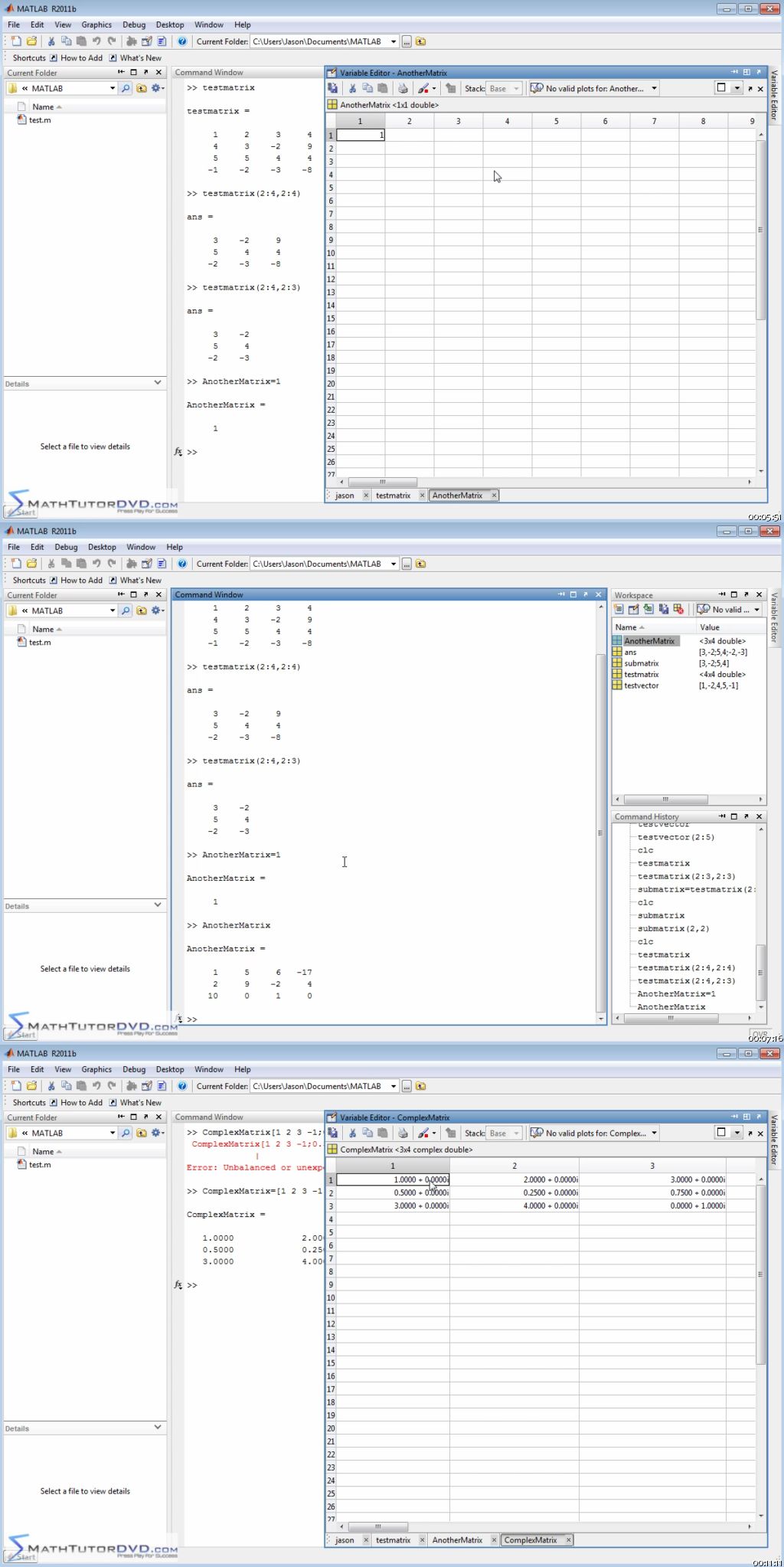
– 45: Solving a System of Equations using Matrix Row Reductions
– 46: Matrix Determinant, Inverse, Trace, Rank, and Solving Linear Systems
– 47: Matrix Norm, Eigenvalues, and the Characteristic Polynomial
– 48: Matrices and the Symbolic Math Toolbox
8. Algebraic Calculations
– 49: Solving Algebraic Equations
– 50: Solving Systems of Linear Equations
– 51: Solving Algebraic Equations Symbolically
– 52: Solving Systems of Algebraic Equations Symbolically
– 53: Defining Mathematical Functions
9. Calculus Calculations
– 54: Taking Derivatives in Calculus
– 55: Evaluating Derivatives at a Point
– 56: Taking Partial Derivatives in Calculus
– 57: Indefinite and Definite Integrals
– 58: Taking Limits in Calculus
10. Basic Graphing
– 59: Basic Scatter Plots
– 60: Plotting Functions
– 61: Changing Plot Appearance
and understanding how to interact with Matlab. You’ll then learn
about variables, functions, and how to perform basic calculations.
Next, Jason will guide you in learning how to do Algebra,
Trigonometry, and Calculus computations both numerically and
symbolically. The course wraps up with basic plotting in Matlab.
1. Introduction
– 1: Overview of the User Interface – Part 1
– 2: Overview of the User Interface – Part 2
– 3: Overview of the User Interface – Part 3
– 4: Using the Help Menus
2. Basic Calculations
– 5: Basic Arithmetic and Order of Operations
– 6: Exponents and Scientific Notation
– 7: Working with Fractions and the Symbolic Math Toolbox – Part 1
– 8: Working with Fractions and the Symbolic Math Toolbox – Part 2
3. Working with Variables
– 9: Defining and Using Variables
– 10: Adding Comments to your Code
– 11: Clearing Variables
– 12: Adjusting the Display Precision for Calculations
– 13: Creating and Storing Symbolic Variables
– 14: Using Symbolic Variables in Calculations
4. Essential Mathematical Functions
– 15: Factorials, Square Roots, and Nth Roots
– 16: Trigonometric Functions and their Inverses
– 17: Hyperbolic Functions
– 18: Exponentials and Logarithms
5. Working with Complex Numbers
– 19: Basic Calculations with Complex Numbers
– 20: Calculating the Magnitude and Angle of Complex Numbers
– 21: Trig Functions and Logarithms with Complex Numbers
– 22: Complex Numbers and the Symbolic Math Toolbox
6. Working with Vectors
– 23: Inputting Vectors and Extracting Components
– 24: Adding and Subtracting Vectors and Multiplying Vectors by a Scalar
– 25: Calculating the Vector Dot Product and Cross Product
– 26: Finding the Length and Sum of a Vector
– 27: Extracting a Subset of Vector Elements
– 28: Creating Vectors with Evenly Spaced Elements
– 29: Joining Vectors Together
– 30: Multiplying and Dividing Vectors Element-by-Element
– 31: Applying Math Functions Element-by-Element
– 32: Creating Vectors with Random Elements
– 33: Calculating Mean, Median, and Standard Deviation of Data in a Vector
– 34: Working with Vectors using the Symbolic Math Toolbox
7. Working with Matrices
– 35: Inputting Matrices and Extracting Elements – Part 1
– 36: Inputting Matrices and Extracting Elements – Part 2
– 37: Adding and Subtracting Matrices
– 38: Multiplying Matrices
– 39: Multiplying and Dividing Matrices Element-by-Element
– 40: Finding the Matrix Length, Size, and Sum of Elements
– 41: Joining Matrices Together
– 42: Applying Mathematical Functions to Matrices
– 43: Creating an Identity Matrix
– 44: Matrix Transpose, Diagonal Elements, and LU Decomposition
– 45: Solving a System of Equations using Matrix Row Reductions
– 46: Matrix Determinant, Inverse, Trace, Rank, and Solving Linear Systems
– 47: Matrix Norm, Eigenvalues, and the Characteristic Polynomial
– 48: Matrices and the Symbolic Math Toolbox
8. Algebraic Calculations
– 49: Solving Algebraic Equations
– 50: Solving Systems of Linear Equations
– 51: Solving Algebraic Equations Symbolically
– 52: Solving Systems of Algebraic Equations Symbolically
– 53: Defining Mathematical Functions
9. Calculus Calculations
– 54: Taking Derivatives in Calculus
– 55: Evaluating Derivatives at a Point
– 56: Taking Partial Derivatives in Calculus
– 57: Indefinite and Definite Integrals
– 58: Taking Limits in Calculus
10. Basic Graphing
– 59: Basic Scatter Plots
– 60: Plotting Functions
– 61: Changing Plot Appearance
Download rapidgator
http://www.nitroflare.com/view/AEDD5362A3E6F96/learning-matlab-essentials-skills.part1.rar
http://www.nitroflare.com/view/8EC3F765CF23FA1/learning-matlab-essentials-skills.part2.rar
http://www.nitroflare.com/view/AEDD5362A3E6F96/learning-matlab-essentials-skills.part1.rar
http://www.nitroflare.com/view/8EC3F765CF23FA1/learning-matlab-essentials-skills.part2.rar
Download rapidgator
http://rg.to/file/6c40049e8891f51bc6ae95dcab784326/Learning-Matlab—Essentials-Skills.part1.rar.html
http://rg.to/file/ee5e53a8b85e4d2448d8d1c45652b87d/Learning-Matlab—Essentials-Skills.part2.rar.html
http://rg.to/file/6c40049e8891f51bc6ae95dcab784326/Learning-Matlab—Essentials-Skills.part1.rar.html
http://rg.to/file/ee5e53a8b85e4d2448d8d1c45652b87d/Learning-Matlab—Essentials-Skills.part2.rar.html
Download uploaded
http://uploaded.net/file/qbhm0jm5/Learning-Matlab—Essentials-Skills.part1.rar
http://uploaded.net/file/d1yp8o0b/Learning-Matlab—Essentials-Skills.part2.rar
http://uploaded.net/file/qbhm0jm5/Learning-Matlab—Essentials-Skills.part1.rar
http://uploaded.net/file/d1yp8o0b/Learning-Matlab—Essentials-Skills.part2.rar
Download 百度云
你是VIP 1个月(1 month)赞助会员,
转载请注明:0daytown » Learning Matlab – Essential Skills
与本文相关的文章
- Master LLM APIs with C# & .NET: Build AI Apps Using OpenAI
- Mobilewright with TypeScript & AI – Mobile Automation
- The Gnomon Workshop – Creating a Charged Energy Beam in Unreal Engine
- Become an AI Engineer: Python for JavaScript Developers
- Python DSA: Sorting, Searching & Bit Manipulation
- Unreal Engine 5 2D Masterclass: Build 5 Complete Games
- CUDA for Engineers: Accelerating Deep Learning PyTorch 2026
- The Complete Machine Learning & Deep Learning Bootcamp
- Snowflake Cortex AI: Build Production AI Apps
- Python Automation With Playwright: Automate Your Work
- Next-Level Linux System Administration with Claude Code
- Python Programming Bootcamp: Build Real World Projects